How to download a Pinterest board as a ZIP
Whole-board backups in one file: the flow, the folder structure inside, and how to keep archives alive for years.
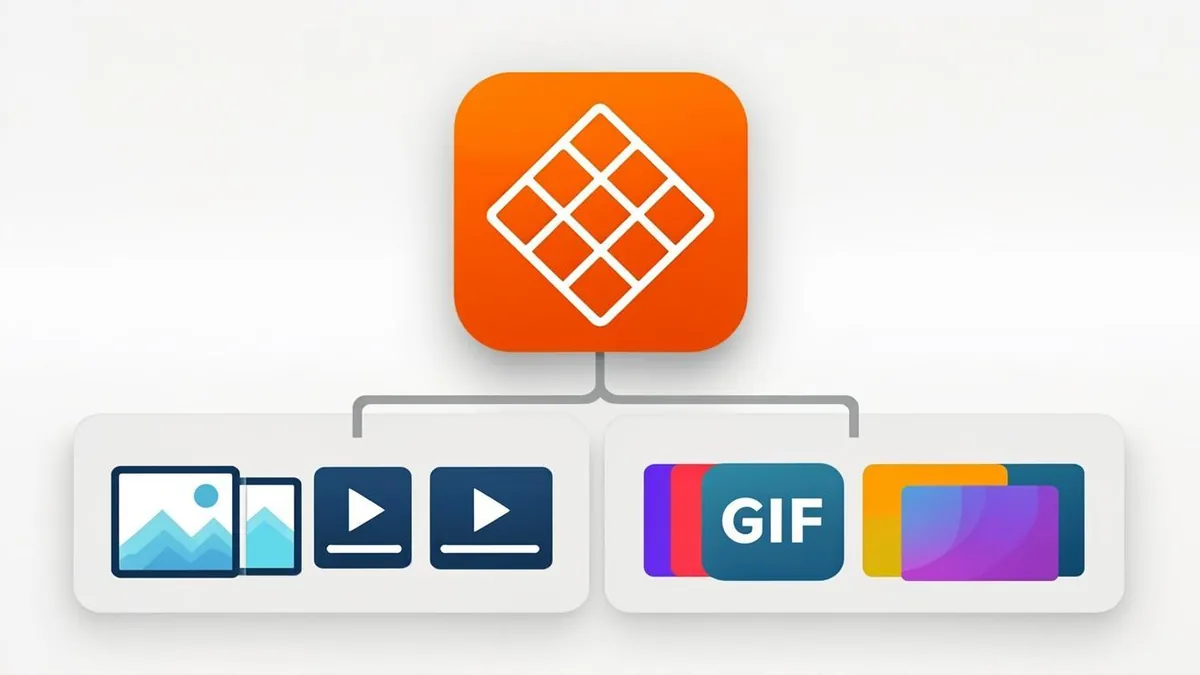
Saving pins one by one is fine until it's 200 pins — then it's a chore with a failure rate. The bulk answer is a board ZIP: paste one board link and get every pin on the board delivered as a single organized archive, videos and images and GIFs together. The PinRip board downloader does exactly this — free for three boards a month, no login for the free tier — and this post covers the full workflow from link to long-term storage.
The flow: board link → preview → ZIP
Open the board in Pinterest (app or browser) and copy its URL — it looks like pinterest.com/username/board-name. Paste it into the board downloader and PinRip scans every pin on the board, then shows you the full list: video pins, image pins, GIFs, each with resolution and size. Nothing is charged or downloaded yet — the preview is the point. You can take the whole board, or untick anything you don't want and ZIP only what remains.
Press download and PinRip assembles the archive on the fly. Big boards take a little longer — a 500-pin board is a real transfer — and when it finishes, your browser saves one .zip file like any other download.
What's inside the ZIP
The archive isn't a pile of pin.7f3a9.mp4 mysteries. It's organized:
- Per-pin folders or media-type folders — videos (
.mp4), images (.jpg/.png), GIFs (.gif) — so a board can be dropped straight into a media library. - Original files only — every item is the exact file Pinterest hosts, the same one the video downloader gives you pin by pin. No re-encoding, no watermarks.
- A manifest — a small index of what's in the box, so a 400-file archive stays navigable in 2030.
Unzip it anywhere: a desktop folder, a NAS share, an external SSD. The files are ordinary MP4s and JPGs — every device and app you own already knows how to open them.
Backup strategy: the 3-2-1 shape
A board ZIP is a backup — treat it like one. The classic 3-2-1 rule fits perfectly: 3 copies of the archive (working folder + cloud drive + external drive), 2 different media (SSD and cloud, say), 1 offsite (the cloud copy). Boards you truly care about — your own work, a reference library you'll mine for years — deserve all three. Everything else is fine with two.
When to re-archive: after you add a meaningful batch of pins. A quarterly rhythm is plenty for active boards; the ZIP is dated, so you'll always know which snapshot is newest. And if a board is mostly still images, remember that individual photos also flow through the image downloader when you only need a few.
Tips for clean archives
- Name the ZIP after the board the moment it lands —
recipes-2026-q4.zipbeatsboard-1342.zipforever. - Preview before paying for big boards — the scan shows you exactly how many pins exist; deleted-pin ghosts and secret sections show up there, not after payment.
- Keep the manifest — it's tiny and it's the archive's table of contents.
- Test-unzip once — open the archive, play one video, view one image. Backups that have never been opened are hopes, not backups.
The whole point of a board is that it took years to curate. A ZIP takes minutes — and then no platform decision can touch it again.